App Store & Google Play screenshot maker
Good apps deserve
great screenshots.
Turn a first impression into a reason to download. Start with a design you love. Make every screen your own.
Every project free. No card required.Tinder
App Store · EN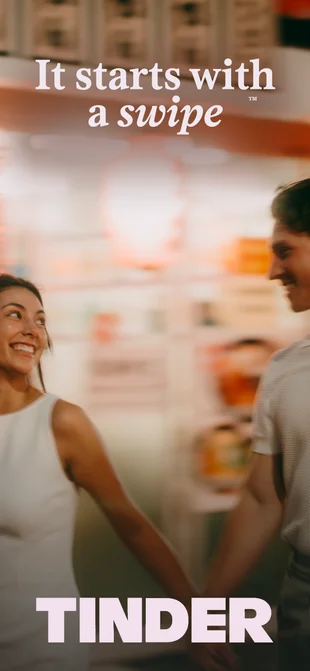
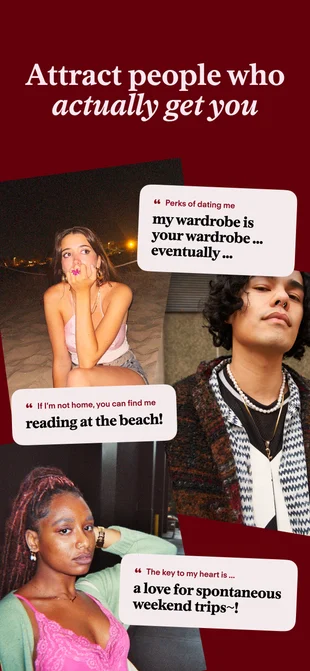
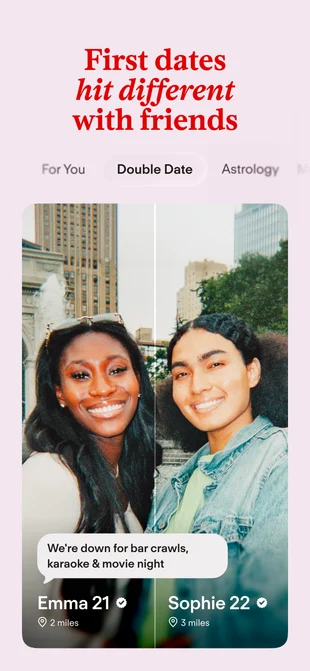
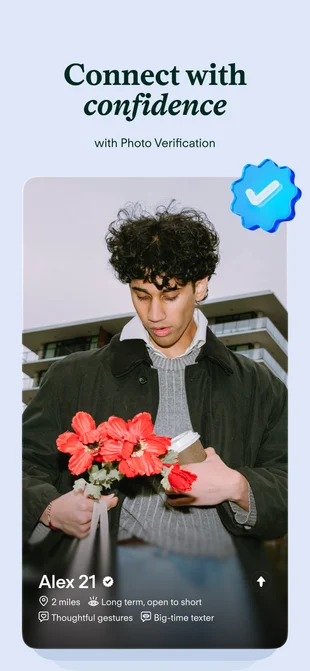
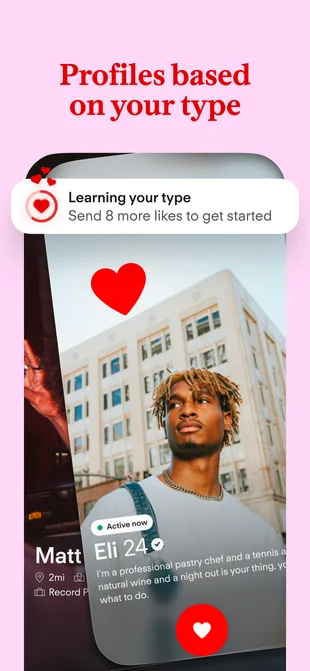
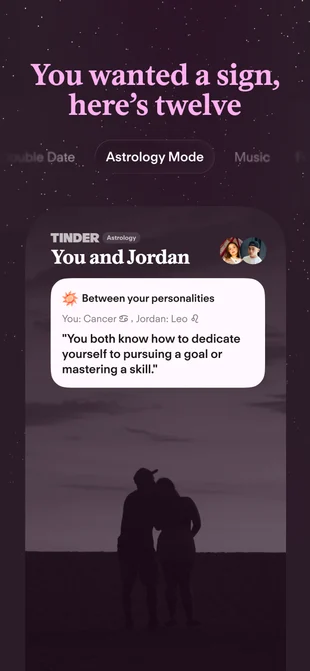
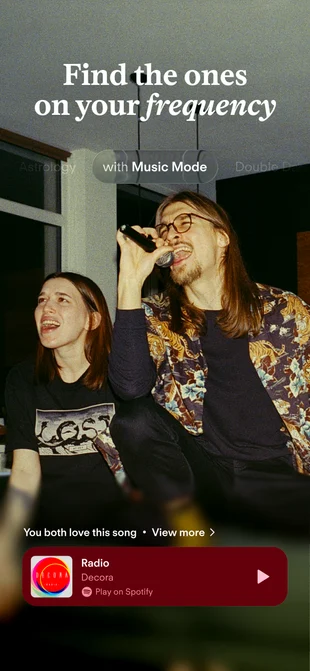
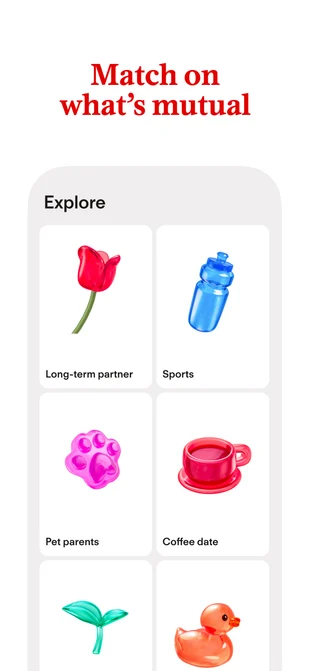
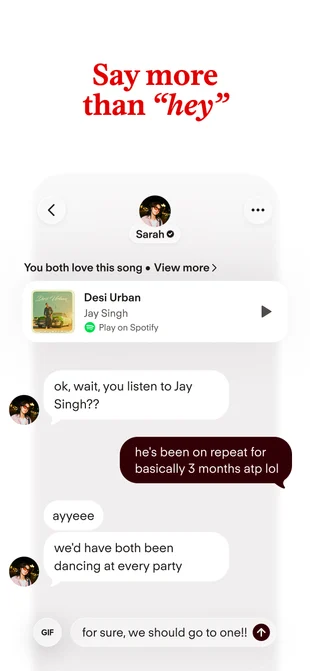
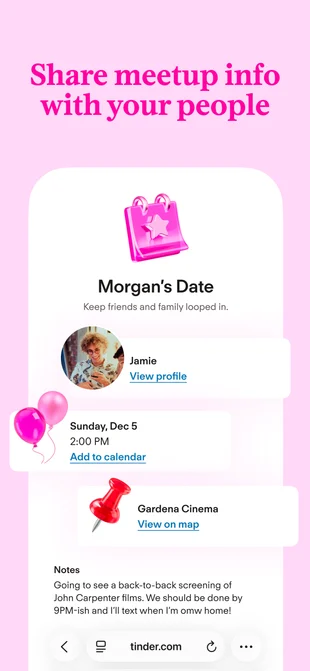
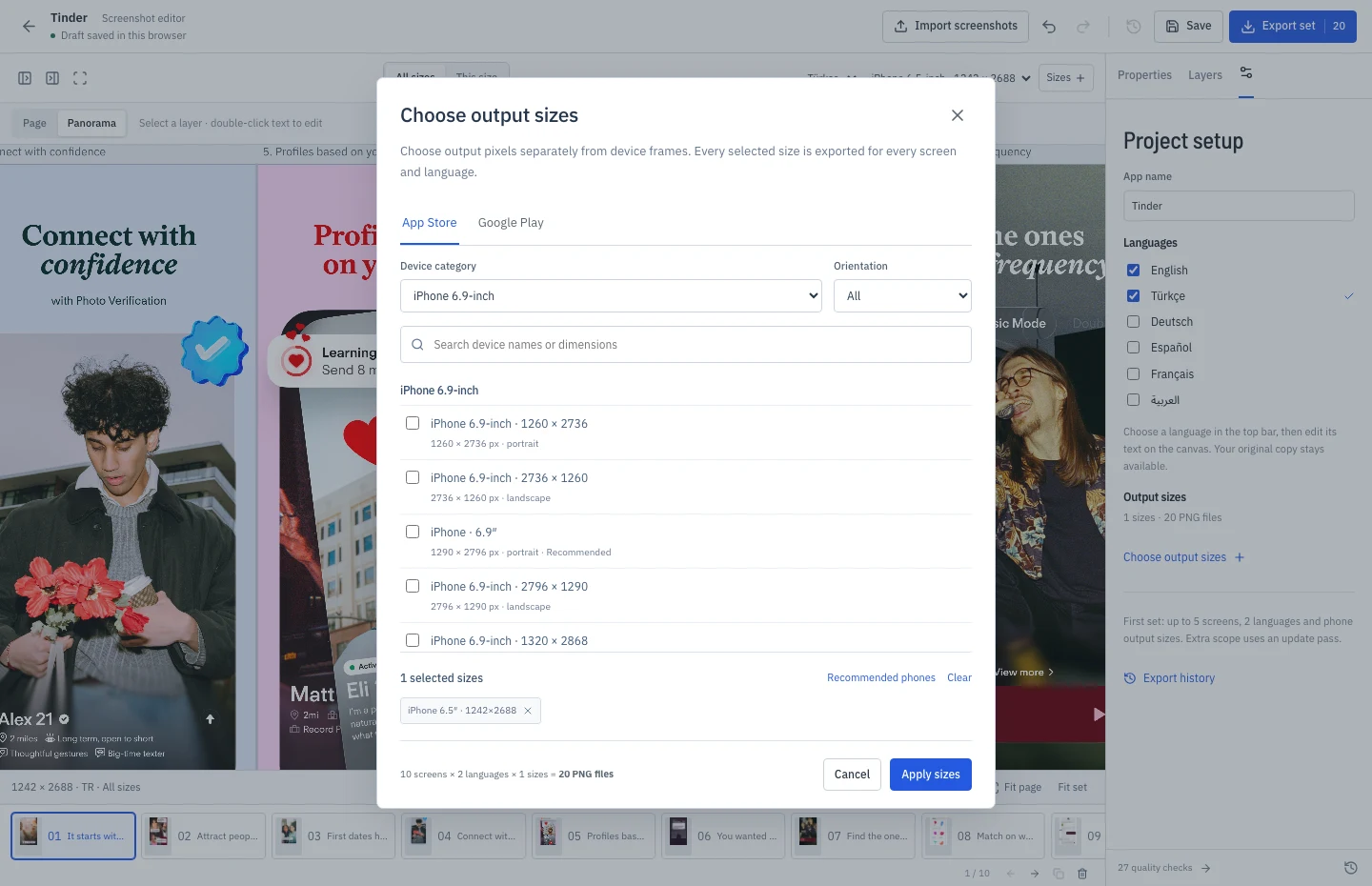
Make it your own. Change the text, swap your screens, and arrange the layers.
Use Tinder setReal app reference designs. Made to be remixed with your own content.
Explore all collections01 The workspace
From an app screen
to a whole story.
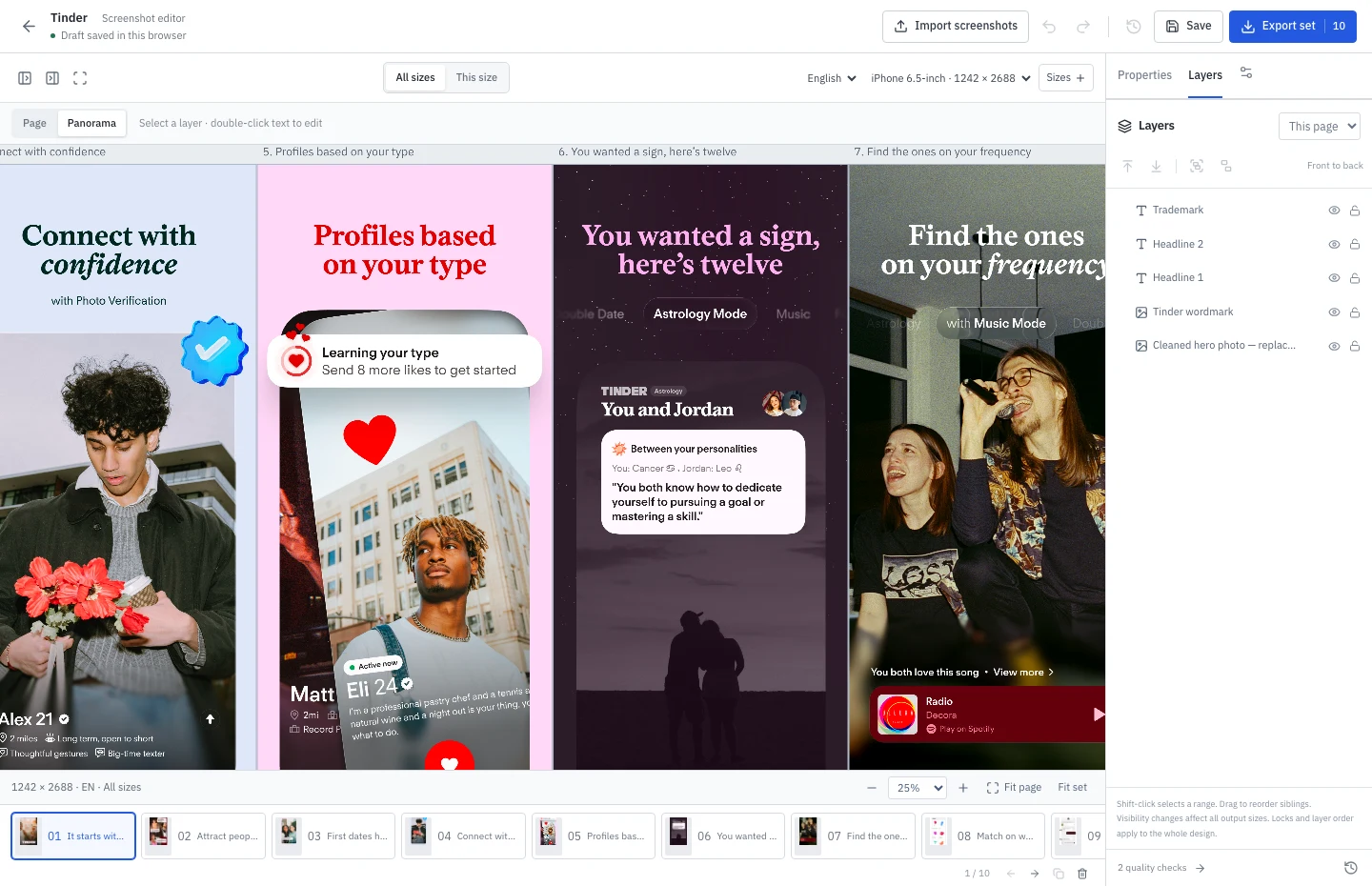
A proper design editor, built around one job.
Beautiful screenshots for your next release.
Your canvas. Your rules.
Move every element. Mix devices, layer your text, and build a story that flows from one screen to the next.
02 A few favorites
Find your starting point.
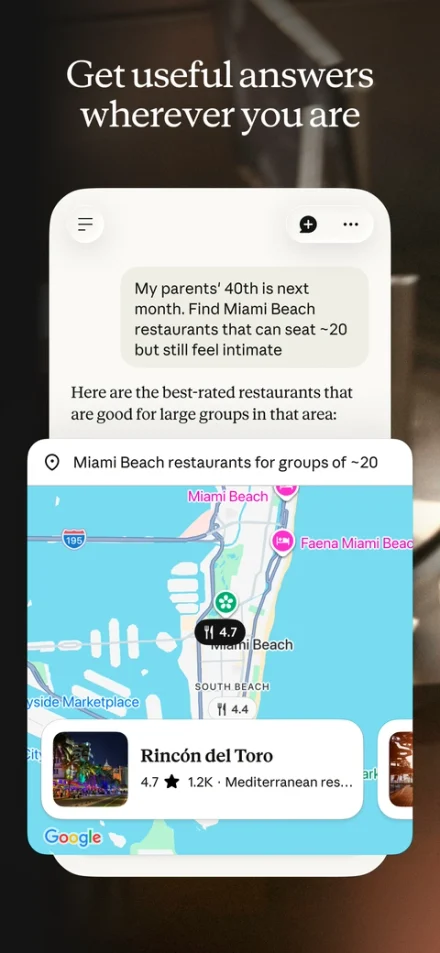
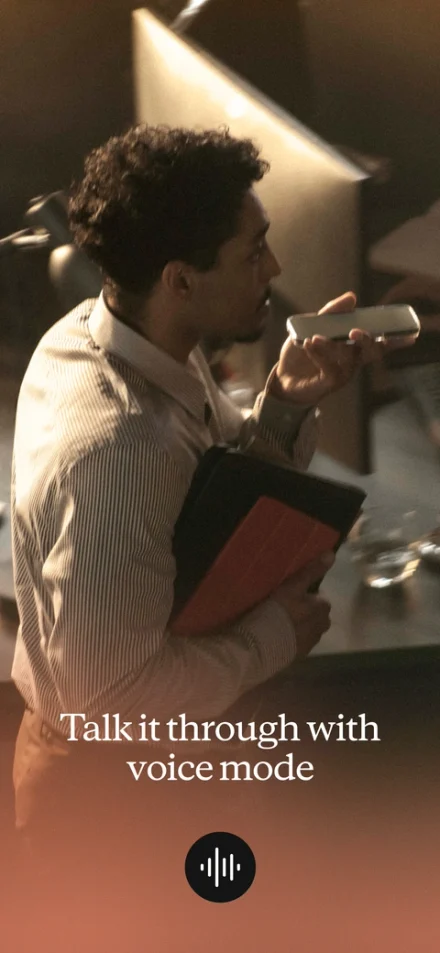

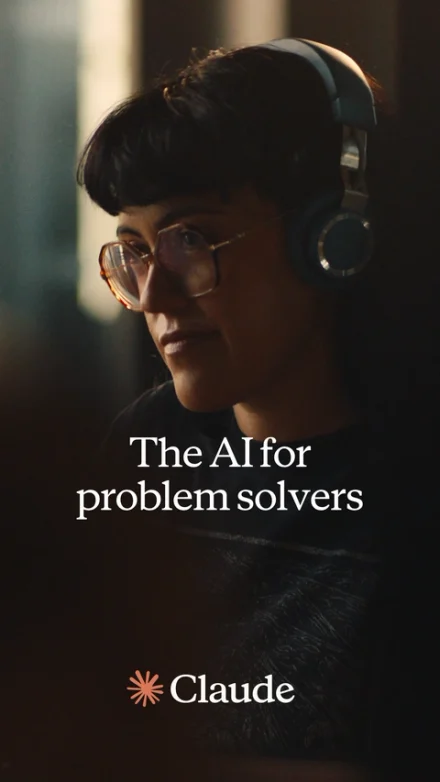
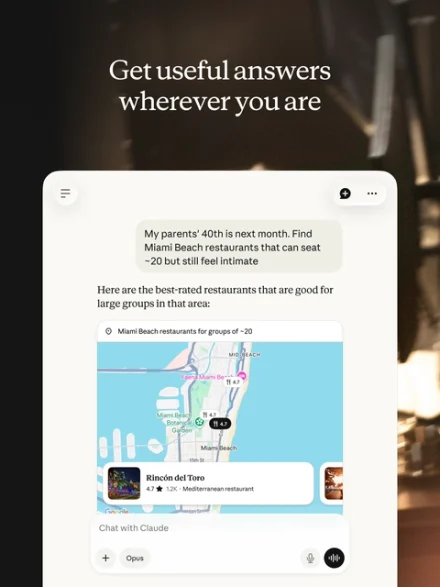
Claude
Warm photography. A little room to think.
9 screens App Store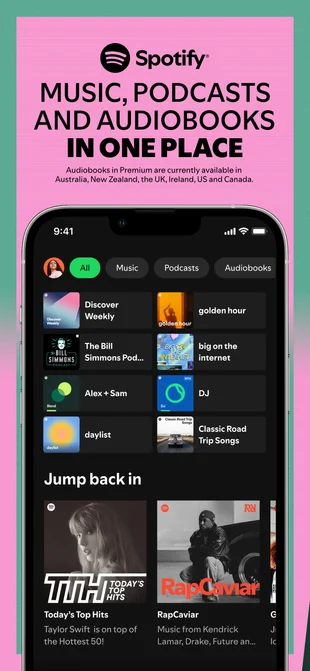
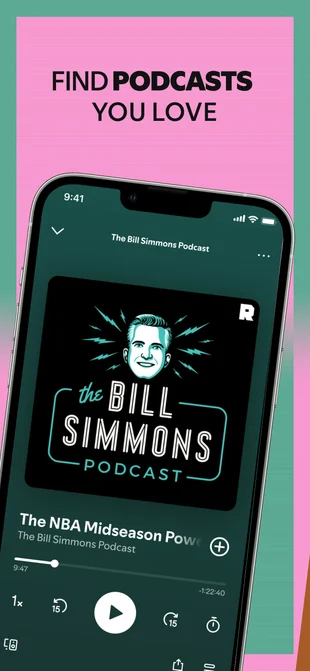
Spotify
Big type. Color with something to say.
9 screens App Store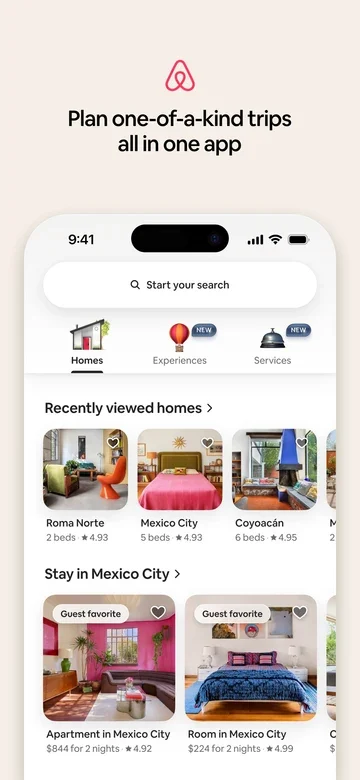

Airbnb
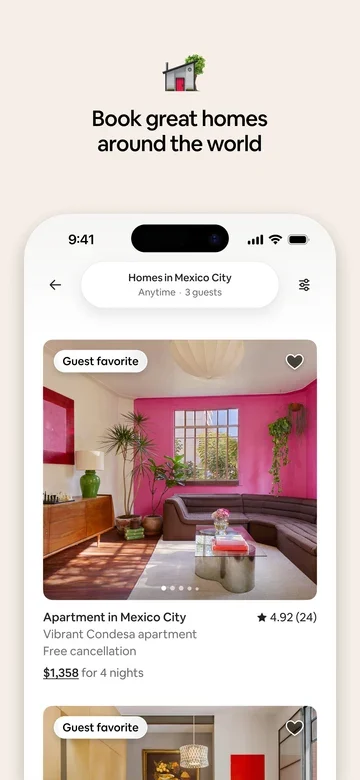
Let the experience do the talking.
7 screens App StoreReference collections, recreated from public store listings. App names and logos identify the designs in the library.
03 Ready for the stores
Same story.
Every screen.
Build once, then give each format its own finishing touches. Your text stays in sync while you adjust the layout for every device.
- App Store · iPhone
- 1290 × 2796
- Google Play · Android
- 1080 × 1920
Portrait, landscape, phone and tablet.
A separate layout for every output.
04 Yours to keep creating
Every app.
Every release. Free.
Build your first set, come back for changes, and start another project. Your workspace stays open.
See what’s includedThe whole editor
Freefor every project- All templates and device mockups
- Every supported size and language
- Come back and revise at any time
- Full-resolution PNGs. No watermark.
Work with your assistant
MCPincludedConnect Codex, Claude Code or your preferred MCP client. Describe the change and see it in your design.
Edit layers, manage screenshots and templates, inspect real previews, and export the finished set.
Connect your editorA few practical things
Before you
make your first set.
Good to know before you start.
Can I try the editor without an account?
Yes. Open any collection and start editing. Create an account when you want to save online or export. Your unsaved draft stays in this browser until you clear its site data.
How much of a template can I change?
Move, resize, rotate or remove the layers. Edit the marketing text, replace the app screenshots, change backgrounds, and add your own shapes, images or device mockups.
Can I prepare screenshots in different languages?
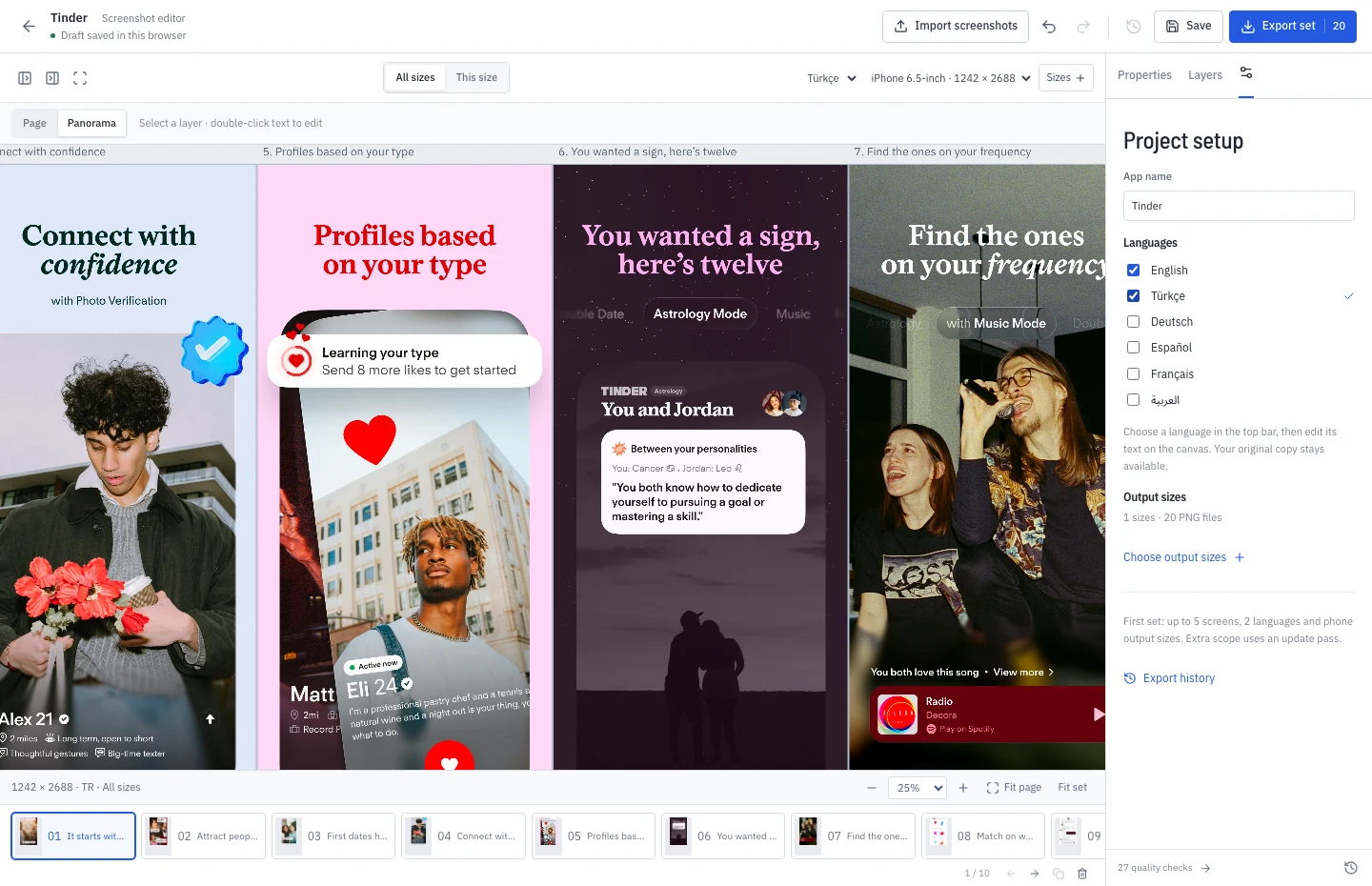
Yes. Keep your own translations and language-specific images in the same project. You write and review the copy; the editor helps you check how each version fits.
Can I return to revise my screenshots?
Yes. Open any saved project, make your changes and export again for free. Additional projects, tablet sizes and languages are included too.
Are the files ready for App Store and Google Play?
You get full-resolution PNGs in your selected store dimensions, organized by language and size. Review the content, layout and current store requirements before submitting your listing.
The app is yours. Make the first impression yours, too.
Your next release
looks good from here.
Start in your browser. Free for every project.